
Mobile App
Workers complete forms, check in and out, access documents and training, and continue working offline when reception drops.
Tell us what's happening and we'll recommend the next practical step.
Safety Services · Digital Safety Management
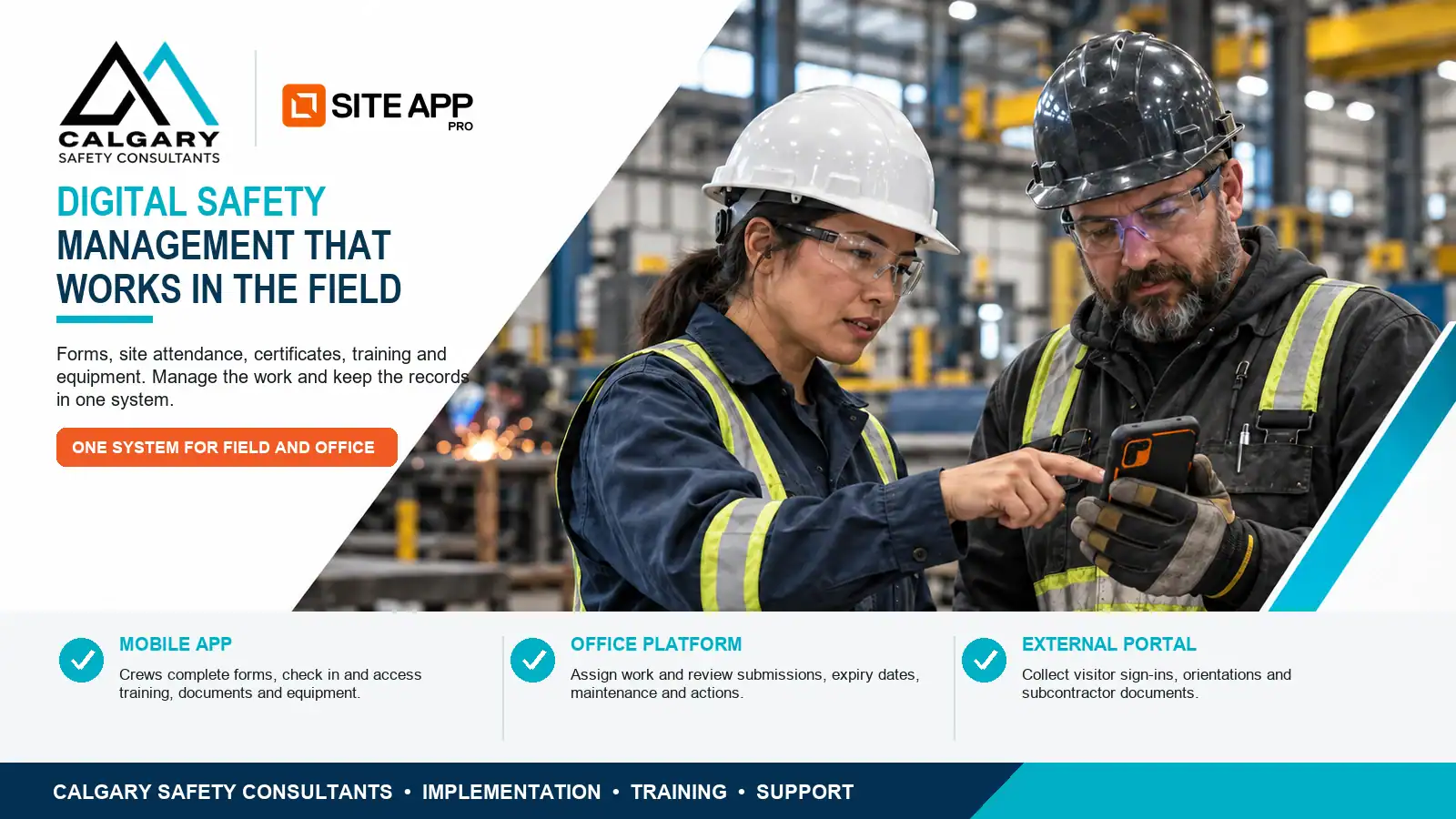
A practical digital safety management system can replace disconnected paperwork, spreadsheets and safety records while staying configured for the way your people work.
Calgary Safety Consultants helps Canadian employers set up Site App Pro for inspections, hazard assessments, corrective actions, training records, equipment, contractors and day-to-day field documentation.
A practical operational problem
Paper forms, spreadsheets and disconnected files make it difficult to confirm whether inspections were completed, corrective actions were closed, training is current or supervisors followed up. Records can exist without giving management a clear view of what is happening across crews and worksites.
Site App Pro brings daily safety work and supporting records into one system. Calgary Safety Consultants helps configure that system around your actual hazards, responsibilities, projects and existing health and safety program.
The purpose of digital safety management is not to digitize paperwork for its own sake. It is to make safety activities easier to complete, easier to review and easier to demonstrate during a client review, incident investigation, COR or SECOR audit.

 Daily safety work in one systemInspections and follow-up captured right in the field
One system · Three ways to use it
Effective digital safety management gives each person a clear way to complete the task that belongs to their role without searching through several tools.
Workers complete forms, check in and out, access documents and training, and continue working offline when reception drops.
Administrators assign work, review submissions, monitor expiry dates and manage information across projects and locations.
Collect visitor sign-ins, orientations and subcontractor documents through a browser without requiring an app download.
What the platform can manage
Give people the online safety forms and tasks they need, then see what is complete, what is overdue and what still requires attention.
Inspections, field-level hazard assessments, JSAs, toolbox talks, permits, photos, signatures and approvals.
Record incidents and near misses, assign corrective actions and confirm that follow-up has been completed.
Track requirements, completion, competency records and upcoming certificate expiry dates.
Manage asset records, pre-use inspections, defects, service schedules and QR-code access.
Record worker check-in, check-out and time on site across projects and locations.
Collect prequalification documents, credentials, orientations and visitor registrations.
Review worksite activity, filter submissions and export the records needed for follow-up.
Keep completed forms, training records, signatures and other supporting evidence easier to retrieve.
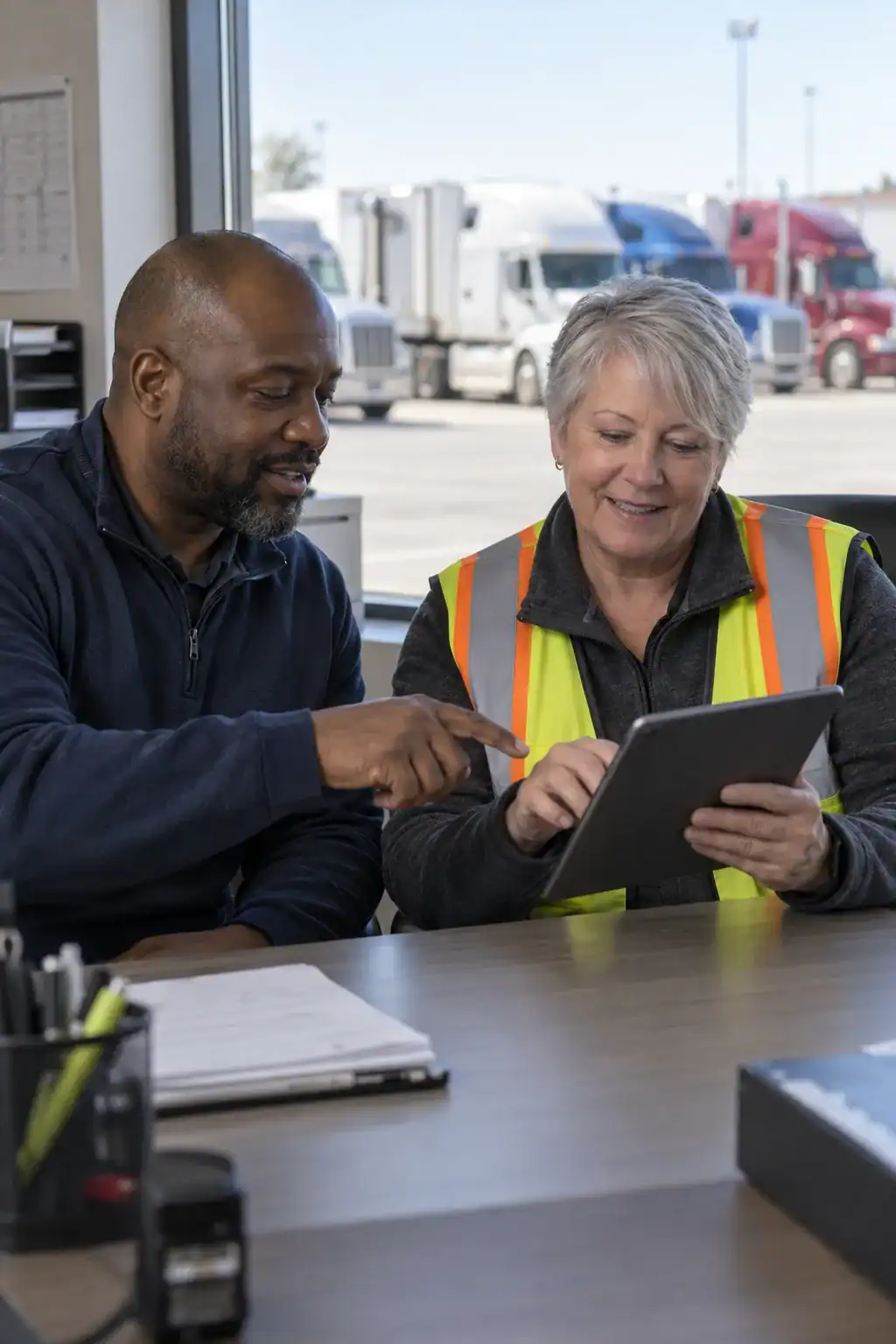 Configured around how you workSetup, pilot and role-based training for your team
Implementation support
Digital safety management software provides the tools. We help make those tools practical by reviewing your current safety program, converting existing processes and preparing the people responsible for using the system.
Identify forms, records, responsibilities, recurring tasks and operational gaps.
Select workflows, approvals, schedules and records that will benefit from digitization.
Set up projects, roles and responsibilities, then test the system with a manageable group.
Prepare workers, supervisors and administrators, then refine the process after launch.
Business results
A practical digital safety management approach helps management see where action is required while giving workers a simpler way to document what they completed.
Reduce repeated data entry and unnecessary paper handling.
Assign actions clearly and see what remains outstanding.
Connect work, due dates, responsibilities and supporting records.
Retrieve completed forms, training information and records more efficiently.
Who this service is for
Start with the highest-value workflows
A successful rollout does not require every safety document to change at once. The strongest starting point is usually a small group of high-frequency activities that workers already understand and supervisors already review. This keeps the first phase practical, limits disruption and gives the employer useful information quickly.
Begin with inspections, field-level hazard assessments, toolbox talks or pre-use checks that are completed frequently. These workflows give workers an immediate reason to use the mobile app and help supervisors confirm whether expected work is being completed across crews and locations.
Connect identified deficiencies to a responsible person, a due date and evidence of completion. This closes the gap between recording a problem and verifying that someone actually corrected it, which supports stronger accountability and more reliable audit evidence.
Organize required courses, certificates, competency records and renewal dates in one place. Better visibility helps administrators address missing or expiring qualifications before they affect site access, client requirements, scheduling or the availability of qualified workers.
Use consistent inspections for vehicles, tools and equipment, then connect defects with maintenance follow-up. This makes it easier to see whether an item is safe to use and whether a reported problem has been reviewed before the equipment returns to service.
Once these processes are working reliably, digital safety management can be expanded to incidents, contractor records, orientations, permits, document acknowledgement and more specialized operational workflows.
A rollout people can actually follow
A software licence does not create a working system by itself. Employers need to decide who assigns tasks, who reviews submissions, who follows up on overdue items and who maintains forms, projects, users and training requirements. When those responsibilities are unclear, digital safety management can reproduce the same gaps that existed in the paper process.
We start by mapping the current process and identifying the decision points that matter. A worker may need a quick form with clear prompts, while a supervisor may need notifications, review criteria and authority to assign a corrective action. An administrator may need consistent naming rules, expiry-date reporting and a process for adding or removing users.
Field conditions also shape the setup. Remote work may require offline forms and documents. Multi-employer sites may require visitor sign-in and subcontractor information through the external portal. Operations with shared equipment may benefit from QR-code access so workers can open the correct record without searching through a long equipment list.
Use a defined pilot group. A representative crew can test wording, required fields, notifications and approval steps before the process is released to everyone.
Set clear ownership. Each workflow should have a responsible reviewer and a realistic follow-up process, particularly when a submission identifies a hazard, defect or overdue action.
Train by role. Workers, supervisors and administrators use different parts of the platform. Short, task-specific instruction is usually more effective than giving every person the same broad demonstration.
Review the early data. The first few weeks show where forms are being skipped, fields are confusing or notifications are creating unnecessary noise. Adjusting those details helps the system support operations instead of becoming another administrative burden.
Calgary Safety Consultants provides implementation support so Site App Pro reflects the employer's safety program, provincial requirements, client expectations and normal work practices. The goal is a maintainable system that produces reliable records without making routine field work harder.
Connect compliance to business performance
Digital safety management is most valuable when the information leads to action. A completed form should help someone verify a control, address a deficiency, plan work or demonstrate what the organization did. This connection between field activity and management follow-through supports safety performance while reducing avoidable disruption.
Earlier visibility of equipment defects, missing qualifications and incomplete work gives supervisors more time to respond before the problem affects scheduling, production or site access. The system supports decisions, while competent people still determine the appropriate control.
Organized records help the employer establish what work was assigned, what hazards were identified, what training was current and what follow-up occurred. Reliable documentation cannot prevent every claim, but it reduces the time spent reconstructing events from scattered files.
Consistent forms, signatures, dates and corrective-action records are easier to retrieve for COR, SECOR and client reviews. Strong evidence also depends on the quality of the underlying process, so digital safety management should be checked against actual field practice.
Trends in overdue actions, recurring deficiencies, inspection activity and training status can help leaders direct resources where they are needed. The most useful dashboard is not the one with the most data; it is the one that highlights decisions and responsibilities.
Related safety services
Digital tools are most effective when the underlying responsibilities, procedures and records are clear. For platform information, visit Site App Pro Canada.
Common questions
These answers cover the practical questions employers ask before replacing paper records or changing safety software.
Digital safety management uses software to organize recurring safety activities and records, such as inspections, hazard assessments, training, incidents, corrective actions and equipment checks. A well-configured system gives workers a practical way to complete tasks and gives management better visibility into follow-up.
Site App Pro is a safety-management platform with a mobile app, office platform and external portal. It can support field documentation, online safety forms, training and certificate records, equipment information, contractor requirements and reporting.
Yes. Assigned forms can be completed offline and synchronized when a connection becomes available. Selected documents can also be made available for offline access, which is useful for remote and field-based work.
Yes. Existing inspections, FLHAs, JSAs, toolbox talks, incident forms, permits and other processes can be reviewed and rebuilt as digital workflows. We also help identify duplicated or outdated forms before they are moved into the system.
Yes. The first step is to identify which records and workflows should be carried forward, updated or retired. A planned transition reduces confusion and helps supervisors understand what changes on the effective date.
It can help organize completed forms, training records, corrective actions, signatures and other audit evidence. The platform supports recordkeeping and follow-up, but it does not replace the employer's legal responsibilities or guarantee COR or SECOR certification.
Timing depends on the number of forms, projects, roles, users and records involved. A focused pilot is often the most practical approach because it allows the employer to confirm workflows before expanding the system across the company.
Training should match each person's role. Workers need the mobile workflow, supervisors need review and corrective-action functions, and administrators need configuration, user-management and reporting knowledge.
Not always. The external portal can support browser-based visitor sign-in, orientations and subcontractor documentation without requiring every external user to download the mobile app.
Yes. Training requirements, completion records, certificates and expiry dates can be organized so administrators have a clearer view of upcoming renewals and missing information.
No. Software helps organize work and evidence, but employers still need suitable policies, hazard controls, supervision, worker participation and management oversight. Consulting support helps connect the technology to those operational responsibilities.
Pricing depends on the organization, users, features and implementation requirements. We start with a practical review so the recommended scope reflects the workforce, worksites and safety-management problems you are trying to solve.
It can be. The important question is whether the organization has recurring safety activities, records or follow-up that would become easier to manage in one system. A smaller employer may begin with a limited set of forms and users, then expand only when the business need is clear. The implementation should match the operation rather than introduce unnecessary features or administration.
Access and assignments can be configured so people see the information and tasks relevant to their work. The exact structure should be planned carefully because workers, supervisors, project managers and administrators have different responsibilities. Clear permissions reduce clutter, protect sensitive records and help prevent people from changing information outside their authority.
Digital workflows can assign responsibility, due dates and notifications so outstanding work is easier to see. Management still needs a defined escalation process for serious hazards, overdue actions and repeated non-compliance. The software improves visibility, but supervisors and managers remain responsible for reviewing the information and making sure suitable action is taken.
Yes, but forms and expectations may need to reflect the legislation, client requirements and operating conditions that apply in each jurisdiction. A common company framework can support consistency, while province-specific content or project requirements can be built where needed. Calgary Safety Consultants can help employers distinguish company standards from location-specific compliance requirements.
Your existing safety program remains the foundation. During implementation, policies, responsibilities, procedures and forms are reviewed so the digital safety management setup supports the program instead of conflicting with it. Documents can be made easier to access, while recurring forms and acknowledgement processes can be converted into practical workflows.
Dashboards and exported records can help managers demonstrate activity, identify incomplete work and retrieve supporting evidence more efficiently. Reports should still be reviewed for accuracy and context before they are provided to an auditor, client or regulator. A clean report does not replace the need to explain how the underlying safety process works in practice.
Start by limiting access according to job responsibility and deciding which records should be visible to workers, supervisors and administrators. Employers should also apply their privacy, retention and incident-management requirements when configuring the platform. Sensitive information should only be collected when there is a legitimate operational or legal reason to keep it.
Useful measures include form completion, corrective-action closure time, overdue training, repeat deficiencies, administrative time and the effort required to prepare records for a client or audit. The goal is not simply to create more data. Value appears when information leads to faster follow-up, clearer accountability, better planning and fewer preventable disruptions.
Start with a practical review
We will discuss your workforce, locations, current recordkeeping method, COR status and the main digital safety-management problem you want to solve.
How we work together
We work with employers who want to improve. The best results come when owners, managers and supervisors take an active part in the work, rather than handing it to an outside consultant and waiting for a finished binder. We bring the expertise, the structure and the follow-up. You bring leadership, time and a commitment to act on what we find.
If you only want paperwork that sits on a shelf, we're probably not the right fit. If you want a safer workplace, a program your workers trust and an audit you can walk into with confidence, we'd like to work with you. We'll talk about this openly during your free 30-minute consultation, so we both know it's a good fit before any work begins.
As the employer, you keep your legal duties under OHS legislation. We advise, organize and support. You make the decisions and direct the work. Our work makes your supervisors, internal safety coordinator, and safety committee or representative more effective. It doesn't replace them.
Our delivery dates start at project kickoff and assume your information, feedback and approvals arrive when agreed. If they're delayed, the schedule moves with them. If a project stalls, we'll raise it with you directly and agree on a plan to get it back on track, or pause it until you're ready.
We'll tell you what you need to hear, not just what you want to hear. Audit, certification and inspection decisions belong to your certifying partner or regulator, so no consultant can guarantee the outcome. What we can promise is practical, credible work and honest advice about what it will take.
Our services are not an emergency response service. If someone is seriously hurt or in danger, call 911 first, then make any reports your provincial OHS regulator requires. Once the scene is safe, contact us and we'll help you with next steps.
Book a Free 30-Minute ConsultationFree Safety Guides
How to do a pre-use inspection on vehicles and equipment in Canada: legal rules by province, NSC trip inspections, checklists, defects and free downloads.
A practical root cause analysis method for Canadian workplaces: loss, event, immediate causes, human and job factors, system fixes, plus a free worksheet.
How a workplace incident investigation works in Canada: who to involve, witness interviews, root causes and fixes, plus a free form and quick guide.