
Office Ergonomics Training
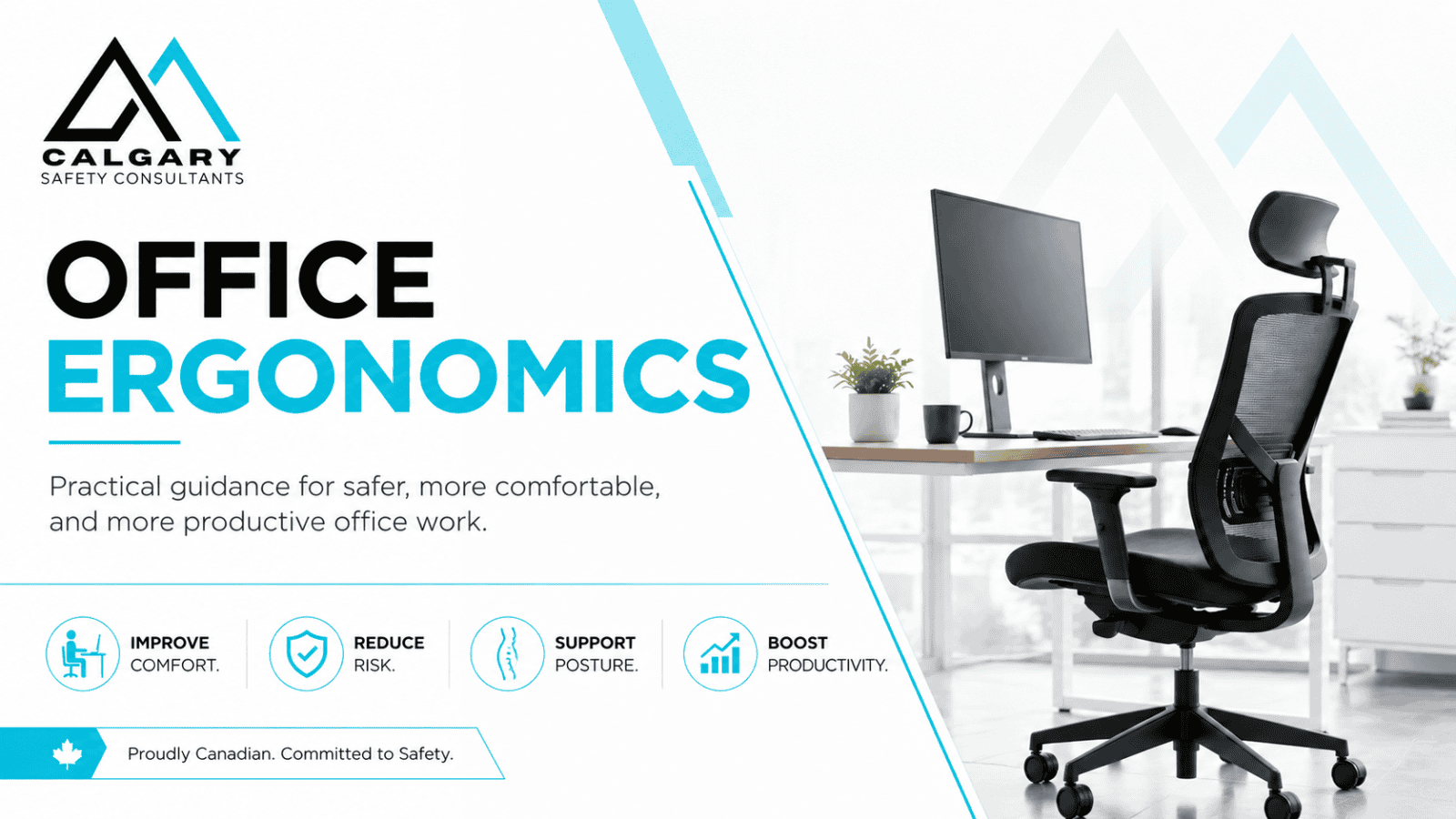
Office Ergonomics Training helps workers understand how workstation setup, posture, equipment placement, movement, lighting, and everyday work habits can affect comfort and the risk of musculoskeletal injury.
Calgary Safety Consultants provides practical Office Ergonomics Training for office workers, remote employees, hybrid teams, supervisors, managers, and employers across Canada. Training is available through self-paced online learning, live virtual instruction, and classroom delivery for workplace groups.
The training focuses on practical application. Participants learn how to assess their own workstation, recognize common ergonomic risk factors, adjust office equipment, improve positioning, manage laptop and multi-screen setups, incorporate movement into the workday, and report developing discomfort before a minor concern becomes a larger problem.
Office ergonomics involves more than buying an expensive chair or standing desk. The workstation, equipment, work environment, job demands, and individual using the workstation all need to work together. CCOHS describes office ergonomics as involving factors such as seating, workstation design, computing devices, and job design.
Choose Your Office Ergonomics Training Option
Organizations have different training needs. An individual office worker may only require a practical self-paced course, while an employer managing shared workstations, hybrid work, recurring discomfort reports, or a large administrative team may benefit from instructor-led training.
Calgary Safety Consultants provides three main Office Ergonomics Training options.
Online Office Ergonomics Training
Our self-paced Online Office Ergonomics Training course gives workers practical information they can apply directly to their own office, home office, or shared workstation.
Participants can complete the course without waiting for a scheduled class, making online training particularly useful for onboarding, remote teams, individual workers, geographically dispersed employees, and organizations that want consistent ergonomic training across multiple locations.
The course explains how relatively small workstation issues can influence posture and physical demands throughout the workday. Participants learn how to make practical adjustments instead of assuming that discomfort can only be resolved by purchasing new equipment.
Online training includes:
- Approximately 1 to 1.5 hours of training.
- Three practical lessons.
- Workstation setup guidance.
- Office and environmental ergonomics.
- Remote and hybrid work considerations.
- Practical self-check activities.
- Knowledge checks and assessment.
- Certificate of Completion.
- Flexible 24-hour access.
- Training records that employers can retain as evidence of completed instruction.
Start Online Office Ergonomics Training
Virtual Office Ergonomics Training
Live virtual Office Ergonomics Training gives employees the flexibility of remote participation while adding direct instructor interaction.
This format works especially well for remote and hybrid teams because participants can attend from the workstation they actually use. Workers can compare their own setup with the principles being discussed and ask questions about monitors, laptops, keyboards, mice, chairs, desks, shared workstations, or other common concerns.
Virtual training can also address organization-specific topics such as:
- Remote work expectations.
- Hybrid workstation arrangements.
- Shared desks and hot-desking.
- Laptop use.
- Multiple-monitor configurations.
- Employee discomfort reporting.
- Supervisor responsibilities.
- Workstation self-assessments.
- Internal ergonomic procedures.
- Selecting practical corrective actions.
Virtual delivery is particularly useful when employees work in multiple offices or communities but the employer wants everyone to receive the same instructor-led training. Fill out the contact form below.
Request Virtual Office Ergonomics Training
Classroom Office Ergonomics Training
Classroom Office Ergonomics Training provides direct instructor interaction and can be adapted to the organization’s actual workplace conditions.
This option is useful for larger administrative groups, call centres, professional offices, healthcare administration, municipal workplaces, customer-service environments, and other organizations where employees spend substantial portions of the workday using computers or sitting at workstations.
Classroom sessions can include workstation demonstrations, practical exercises, discussion of common ergonomic problems, self-assessment activities, and workplace-specific examples.
Where appropriate, training can address the organization’s existing:
- Chairs and office furniture.
- Computer workstations.
- Shared desks.
- Sit-stand workstations.
- Laptop arrangements.
- Work-from-home expectations.
- Ergonomic assessment process.
- Employee reporting procedure.
- Purchasing practices.
- Supervisor responsibilities.
Fill out the contact form below.
What Is Office Ergonomics?
Ergonomics is the process of fitting the work, equipment, and work environment to the worker rather than expecting the worker to continuously adapt to a poorly designed setup. In an office environment, that means looking at the complete workstation rather than one piece of equipment in isolation.
A worker can have an excellent chair and still experience problems if the monitor is too low, the mouse is too far away, the keyboard causes awkward wrist positioning, or the worker remains in one position for extended periods. Likewise, a standing desk isn’t automatically ergonomic. The working height, monitor position, equipment placement, duration of standing, footwear, movement, and individual worker still matter.
CCOHS emphasizes that ergonomics is a process of matching furniture, tools, equipment, the workstation, and the environment to the worker and the work being performed.
What Does Office Ergonomics Training Cover?
Our Office Ergonomics Training course focuses on the workplace conditions and habits that commonly affect computer users.
Participants learn about:
- Ergonomic risk factors.
- Neutral working posture.
- Chair selection and adjustment.
- Back and lumbar support.
- Seat height and depth.
- Foot positioning.
- Desk and working height.
- Monitor positioning.
- Monitor distance.
- Multiple-monitor setups.
- Keyboard positioning.
- Mouse placement.
- Wrist and forearm positioning.
- Laptop ergonomics.
- Docking stations and external equipment.
- Sit-stand workstations.
- Reaching and work zones.
- Lighting and glare.
- Visual demands.
- Office noise and distractions.
- Shared workstations.
- Hot-desking.
- Remote and home offices.
- Repetitive computer work.
- Prolonged sitting.
- Movement and task variation.
- Micro-breaks.
- Early signs of discomfort.
- Reporting ergonomic concerns.
- Workstation self-checks.
- Supervisor support.
- Practical corrective actions.
WorkSafeBC identifies force, repetition, duration, work posture, contact stress, workstation layout, reaches, working heights, seating, work-recovery cycles, task variability, and work rate among the factors that can influence musculoskeletal injury risk.
Frequently Asked Questions About Office Ergonomics Training
What is Office Ergonomics Training?
Office Ergonomics Training teaches workers how workstation design, equipment placement, posture, repetitive work, movement, and the office environment can affect physical demands and MSI risk. Participants learn how to recognize common problems and make practical workstation adjustments.
How long does the online Office Ergonomics Training course take?
Most participants complete the online course in approximately 1 to 1.5 hours. Completion time can vary depending on the learner and how much time is spent reviewing workstation self-checks and examples.
How much does the online Office Ergonomics Training course cost?
The online course is currently $24.99 plus GST per participant. Group training and instructor-led pricing depends on the number of participants, delivery method, location, and level of customization required.
Do participants receive an Office Ergonomics certificate?
Yes. Participants receive a Certificate of Completion after successfully completing the online course requirements. The certificate can be retained as part of the employer’s training records.
Is Office Ergonomics Training required by law?
Requirements vary by jurisdiction and workplace exposure. Alberta, British Columbia, and Saskatchewan each contain occupational health and safety provisions relating to musculoskeletal injury risk, worker information, instruction, or training. Employers should assess their specific workplace and applicable legislation rather than assuming that completing one general course satisfies every ergonomics-related obligation.
Does the course cover working from home?
Yes. The course addresses remote and hybrid workstations, including laptop use, workstation arrangement, equipment placement, movement, and practical adjustments for home-office environments.
Does the course cover laptops?
Yes. Laptop ergonomics is included because prolonged laptop use can make it difficult to position the screen and keyboard independently. Participants learn practical options for improving laptop setups.
Does everyone need an ergonomic chair?
Workers need seating that is appropriate for the work and can be adjusted or selected to support the person using it. Ergonomics is about the complete fit between the worker, task, equipment, and environment rather than purchasing a product simply because it is marketed as ergonomic. CCOHS similarly emphasizes that ergonomics is a process rather than a particular product.
Are standing desks better than sitting desks?
A sit-stand workstation can provide additional opportunities to change position, but standing continuously isn’t automatically better than sitting continuously. Workstation fit, working height, equipment position, duration, and movement still need to be considered.
Can Office Ergonomics Training help with recurring employee discomfort?
Training can help workers recognize potential risk factors and improve workstation setup, but recurring or significant discomfort may require a more detailed review. Employers should investigate reported work-related concerns and determine whether workstation, equipment, work organization, or other corrective measures are required.
Can you provide Office Ergonomics Training for a workplace group?
Yes. Calgary Safety Consultants provides live virtual and classroom Office Ergonomics Training for workplace groups. Instructor-led sessions can be adapted to the organization’s workstations, equipment, remote work practices, reporting procedures, and ergonomic concerns.