Opens in a new tab
Health and safety consulting for employers across Alberta, British Columbia and Saskatchewan

Office Ergonomics Training

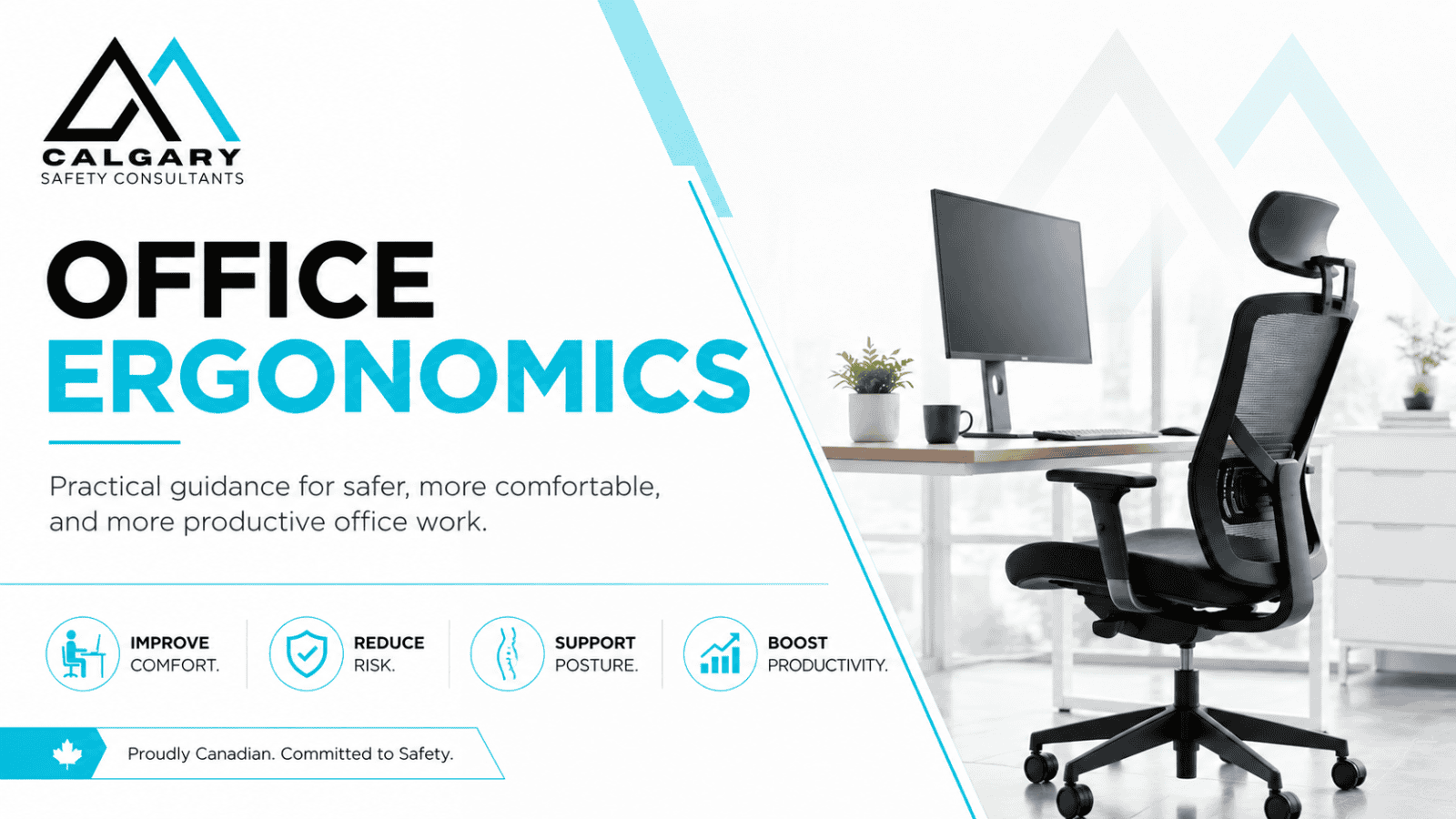
Office Ergonomics Training helps workers and supervisors recognize how workstation design, equipment placement, repetition, duration, posture, movement, work pace, lighting, and job organization can affect musculoskeletal injury risk.

Calgary Safety Consultants provides practical Office Ergonomics Training for office workers, remote employees, hybrid teams, supervisors, managers, and employers across Canada through self-paced online learning, live virtual instruction, and classroom delivery.

Participants learn how to complete a practical workstation self-check, make available adjustments, manage laptops and multiple screens, vary positions and tasks, and report discomfort early. A self-check is not a substitute for the employer’s hazard assessment, corrective action, accommodation process, or a qualified ergonomic or health assessment where one is needed.

There is no single perfect chair, posture, or workstation measurement for every person and task. Effective ergonomics fits the work to the worker, uses higher-order controls where practicable, and supports movement and variation instead of requiring one static “ideal” position.

Serving employers across Calgary, Alberta, British Columbia, Saskatchewan, and Canada.

Office Ergonomics Training | Online, Virtual & Classroom

Training options

Choose Your Office Ergonomics Training Option

Training format should reflect the workers, tasks, equipment, locations, accessibility needs, and level of interaction or practice required. A self-paced course can provide general education, while shared workstations, recurring discomfort, complex needs, or significant changes may require instructor support and a more detailed workplace assessment.

Calgary Safety Consultants provides three Office Ergonomics Training options. None transfers the employer’s responsibility to identify, assess, control, and follow up on musculoskeletal injury risks.

Online Office Ergonomics Training

Our self-paced Online Office Ergonomics Training course gives workers practical information they can apply directly to their own office, home office, or shared workstation.

Participants can complete the course without waiting for a scheduled class, making online training particularly useful for onboarding, remote teams, individual workers, geographically dispersed employees, and organizations that want consistent ergonomic training across multiple locations.

The course explains how workstation and work-organization factors can influence physical demands throughout the day. Participants learn practical adjustments and early-reporting steps. Course completion and a self-check do not prove that a workstation is suitable, that reported symptoms have been resolved, or that all legal training and control duties are complete.

Online training includes:

  • Approximately 1 to 1.5 hours of training.
  • Three practical lessons.
  • Workstation setup guidance.
  • Office and environmental ergonomics.
  • Remote and hybrid work considerations.
  • Practical self-check activities.
  • Knowledge checks and assessment.
  • Certificate of Completion.
  • Flexible 24-hour access.
  • Training records that employers can retain as evidence of completed instruction.

Virtual Office Ergonomics Training

Live virtual Office Ergonomics Training gives employees the flexibility of remote participation while adding direct instructor interaction.

This format works especially well for remote and hybrid teams because participants can attend from the workstation they actually use. Workers can compare their own setup with the principles being discussed and ask questions about monitors, laptops, keyboards, mice, chairs, desks, shared workstations, or other common concerns.

Virtual training can also address organization-specific topics such as:

  • Remote work expectations.
  • Hybrid workstation arrangements.
  • Shared desks and hot-desking.
  • Laptop use.
  • Multiple-monitor configurations.
  • Employee discomfort reporting.
  • Supervisor responsibilities.
  • Workstation self-assessments.
  • Internal ergonomic procedures.
  • Selecting practical corrective actions.

Virtual delivery can support consistent instruction across locations. Participation from a home or personal workspace should respect privacy: workers should not be required to display private areas or disclose medical information to the group. Individual concerns should be referred through the employer’s confidential reporting and accommodation process. Fill out the contact form below.

Classroom Office Ergonomics Training

Classroom Office Ergonomics Training provides direct instructor interaction and can be adapted to the organization’s actual workplace conditions.

This option is useful for larger administrative groups, call centres, professional offices, healthcare administration, municipal workplaces, customer-service environments, and other organizations where employees spend substantial portions of the workday using computers or sitting at workstations.

Classroom sessions can include workstation demonstrations, practical exercises, discussion of common risk factors, self-check activities, and workplace examples. Recommendations must be confirmed against the actual worker, task, workstation, equipment, and applicable requirements; group training is not an individualized clinical or ergonomic assessment.

Where appropriate, training can address the organization’s existing:

  • Chairs and office furniture.
  • Computer workstations.
  • Shared desks.
  • Sit-stand workstations.
  • Laptop arrangements.
  • Work-from-home expectations.
  • Ergonomic assessment process.
  • Employee reporting procedure.
  • Purchasing practices.
  • Supervisor responsibilities.

Fill out the contact form below.

Overview

What Is Office Ergonomics?

Ergonomics fits the work, equipment, environment, and organization of work to the worker. In an office, that means examining the whole system: task demands, repetition, duration, work pace, recovery time, workstation layout, equipment, lighting, noise, visual demands, and the needs of the person performing the work.

A suitable chair cannot correct a monitor that is poorly positioned, continuous mouse use, an excessive work rate, or long periods without task variation. A sit-stand desk is not automatically safer: prolonged standing can also create fatigue and discomfort. The goal is a workable fit with regular opportunities to change position and activity.

Controls should follow the hierarchy. Employers should first consider job and workstation design, adjustable equipment, placement, workload, schedules, and task rotation before relying mainly on workers to maintain posture, remember breaks, or tolerate an unsuitable setup.

Course content

What Does Office Ergonomics Training Cover?

Our Office Ergonomics Training course focuses on the workplace conditions and habits that commonly affect computer users.

Participants learn about:

  • Ergonomic risk factors.
  • Supported and varied working positions.
  • Chair selection and adjustment.
  • Back and lumbar support.
  • Seat height and depth.
  • Foot positioning.
  • Desk and working height.
  • Monitor positioning.
  • Monitor distance.
  • Multiple-monitor setups.
  • Keyboard positioning.
  • Mouse placement.
  • Wrist and forearm positioning.
  • Laptop ergonomics.
  • Docking stations and external equipment.
  • Sit-stand workstations.
  • Reaching and work zones.
  • Lighting and glare.
  • Visual demands.
  • Office noise and distractions.
  • Shared workstations.
  • Hot-desking.
  • Remote and home offices.
  • Repetitive computer work.
  • Prolonged sitting.
  • Movement and task variation.
  • Rest, recovery, and task variation.
  • Early signs of discomfort.
  • Reporting ergonomic concerns.
  • Workstation self-checks.
  • Supervisor support.
  • Practical corrective actions.

WorkSafeBC section 4.49 identifies force, repetition, duration, work posture, contact stress, workstation layout, reaches, working heights, seating, work-recovery cycles, task variability, and work rate as factors to consider where applicable. Training should help workers recognize these factors, but the employer must still identify, assess, and control the risk.

Jurisdiction and employer duties

Alberta

OHS Code Part 14, sections 211 and 211.1, requires prompt review and corrective measures when a worker reports believed work-related MSI symptoms, and training for workers who may be exposed to MSI potential. Training includes risk factors, early signs and symptoms, health effects, and preventive measures.

British Columbia

OHS Regulation sections 4.47 to 4.53 require risk identification and assessment, elimination or minimization, education and training, monitoring and at least annual review, and consultation with the joint committee or worker representative and affected workers, as applicable.

Saskatchewan

OHS Regulations, 2020, section 6-18, requires regular review of activities that may cause or aggravate MSI, committee consultation, worker information and instruction, effective protection, and prompt review and corrective measures when symptoms are reported.

These requirements apply according to the governing law, work, and exposure. They do not create one national “office ergonomics certificate,” and the wording and required evidence differ by jurisdiction. Federally regulated workplaces and employers in other provinces or territories must confirm their own requirements.

A training record can support evidence of instruction. It does not prove that the employer completed a suitable risk assessment, implemented controls, consulted affected workers, accommodated disability-related needs, or verified that the measures are effective.

Safeguards and limitations

What Office Ergonomics Training Does Not Replace

Medical symptoms and privacy

Training is not medical diagnosis or treatment. Workers should report work-related discomfort, numbness, tingling, weakness, swelling, or other symptoms through the employer’s process. Urgent or persistent concerns should be referred to an appropriate health professional. Medical information should be handled confidentially and shared only as needed for safety, disability management, or accommodation.

Workstation self-checks

A self-check helps identify obvious setup issues and available adjustments. It does not replace a task and workstation assessment by a knowledgeable person where symptoms persist, the fit cannot be resolved, specialized equipment is proposed, disability or medical restrictions apply, or the work has complex physical, visual, cognitive, or organizational demands.

Control selection and purchasing

Do not begin with a branded chair or accessory. Assess the worker, tasks, duration, layout, reach, visual demands, equipment, workload, and need for adjustability. Trial equipment where practical, involve the worker, confirm compatibility, and check that the change does not create a new hazard.

Remote and hybrid work

Employers should define how remote workers report concerns, access assessments, obtain approved equipment, protect personal information, and receive follow-up. A worker’s home setup does not remove the need to assess applicable work-related hazards or clarify responsibilities.

Implementation and effectiveness

Verify that workers can make adjustments, know when and how to report concerns, and use the selected controls. Review discomfort reports, observations, workstation changes, worker feedback, and incident or claim trends. Correct deficiencies and reassess after job, equipment, location, workload, or health-related restrictions change.

Legal and guidance sources

Official Office Ergonomics and MSI Sources

Sources verified November 6, 2026. Employers should confirm the law, worker needs, and workplace conditions that apply before relying on general training or equipment guidance.

Common questions

Frequently Asked Questions About Office Ergonomics Training

These answers separate general instruction, workstation self-checks, employer risk-control duties, and situations that need individual assessment or medical support.

What is Office Ergonomics Training?

Office Ergonomics Training helps workers and supervisors recognize musculoskeletal injury risk factors, make suitable adjustments, use controls, report concerns, and understand how workstation and work-organization decisions affect the work. It is general instruction, not a medical examination or individualized ergonomic assessment.

Is Office Ergonomics Training required by law?

The answer depends on the jurisdiction and exposure. Alberta OHS Code section 211.1 requires training for workers who may be exposed to the possibility of MSI. WorkSafeBC sections 4.47 to 4.53 include MSI education and training within a broader identification, assessment, control, consultation, and evaluation process. Saskatchewan section 6-18 requires information, protection, and instruction when MSI risk is identified. No single course automatically satisfies every duty.

Does a Certificate of Completion prove the workstation is compliant or safe?

No. It records course completion. It does not prove that hazards were assessed, controls were implemented, equipment fits the worker, symptoms were resolved, consultation occurred, or legal requirements were satisfied. Employers need additional workplace evidence.

Is an online course enough for office ergonomics?

Online learning can provide consistent general education. It should be supported by workplace-specific information, a reporting process, access to adjustments and controls, supervision, and follow-up. Workers with unresolved fit problems, symptoms, restrictions, or complex tasks may need an individual assessment by a knowledgeable person.

Is a workstation self-check the same as an ergonomic risk assessment?

No. A self-check is a useful screening tool. A risk assessment considers the task, duration, repetition, force, posture, contact stress, layout, equipment, environment, work pace, recovery, worker input, and existing controls. The employer remains responsible for determining the level of assessment required.

What should happen when a worker reports discomfort or MSI symptoms?

The worker should report the concern promptly through the employer’s process. The employer should review the work and similar tasks, take appropriate interim measures, determine work-related causes, and implement corrective action where required. Persistent, worsening, or urgent symptoms should be referred to an appropriate health professional. Medical details should be handled confidentially.

Does everyone need an ergonomic chair?

No single chair suits every worker or task. Seating should be appropriate, adjustable where needed, compatible with the desk and equipment, and fitted to the person and work. The employer should assess the complete setup before purchasing a product marketed as “ergonomic.”

Are standing desks better than sitting desks?

Not automatically. Sit-stand workstations can support position changes, but prolonged standing can also create fatigue and discomfort. Working height, equipment placement, task duration, footwear, floor conditions, worker needs, and movement opportunities all matter.

Does the course cover laptops and home offices?

Yes. It addresses laptop, remote, and hybrid setups. For extended laptop work, separate input devices and a suitable way to position the screen may be needed so the display and keyboard can be adjusted independently. Recommendations must be matched to the actual worker, task, space, and employer requirements.

How should an employer verify that ergonomic controls are effective?

Confirm that controls are in place and used, obtain worker feedback, observe representative work, review discomfort reports and incident trends, and reassess when tasks, workstations, equipment, workload, or worker needs change. British Columbia also requires at least annual review of MSI measures and correction of deficiencies without undue delay.

When is a specialist ergonomic assessment appropriate?

Consider a qualified ergonomics, occupational health, rehabilitation, engineering, or medical professional when symptoms persist, restrictions or accommodation needs exist, work is complex, exposure is significant, equipment selection is specialized, controls are disputed, or internal efforts have not resolved the risk. The appropriate professional depends on the issue.

How long does the online course take and what does it cost?

Most participants complete the course in approximately 1 to 1.5 hours. The listed price is $24.99 plus applicable tax per participant; confirm the current price and course details on the registration page before purchase. Time should be allowed for self-check activities and any workplace-specific follow-up.

Can you provide Office Ergonomics Training for a workplace group?

Yes. Live virtual and classroom sessions can be arranged for workplace groups. Examples can be adapted to the organization, but information about actual tasks, equipment, procedures, worker concerns, privacy, and intended outcomes should be confirmed before delivery.

Book your training

Need Office Ergonomics Training for Your Team?

Calgary Safety Consultants provides Office Ergonomics Training for employees, supervisors, managers, health and safety teams, and organizations with office, remote, hybrid, or shared-workstation arrangements. Choose self-paced online training, live virtual instruction, or classroom delivery. We can help connect training with reporting, self-checks, supervisor follow-up, and practical workplace controls. Individual medical, disability, or complex ergonomic issues may require a qualified specialist and the employer’s confidential accommodation process.

Request Training

Training a team?

Group enrolment for online courses

Enrol your crew, supervisors or safety committee in any of our online courses. Buy your enrolments online, then complete our Group Training Student Information form so we can set up an individual account for each worker. Each worker completes the training online and receives a certificate of completion. Training 10 or more workers on the same course? A 10% group discount is applied automatically at checkout. For instructor-led training or a custom group arrangement, use the form below to request a group quote.

Contact Us

Need help with a safety manual, COR audit preparation, OHS order, hazard assessment, training, or ongoing safety support? Complete the form below or book a free 30-minute consultation. We will review your situation, identify the next practical step, and explain how Calgary Safety Consultants can help.
CSC Website Contact Form

Tell us what safety issue you’re facing, and we’ll respond with the next practical steps

Prefer to meet online first? Pick a time that suits you.

Book a Free 30-Minute Consultation →

Please join your online consultation on time. We’ll wait online for 10 minutes after the scheduled start; if you can’t make it, please book a new time.

What happens next

Your inquiry is important to us, and every request is read personally. We aim to reply within 2 to 4 hours during business hours, or by the next business day if you reach us after hours or on a weekend. Our reply usually includes a few times for a free 30-minute online consultation.

Free Safety Guides

Related Safety Guides

Browse all Safety Guides