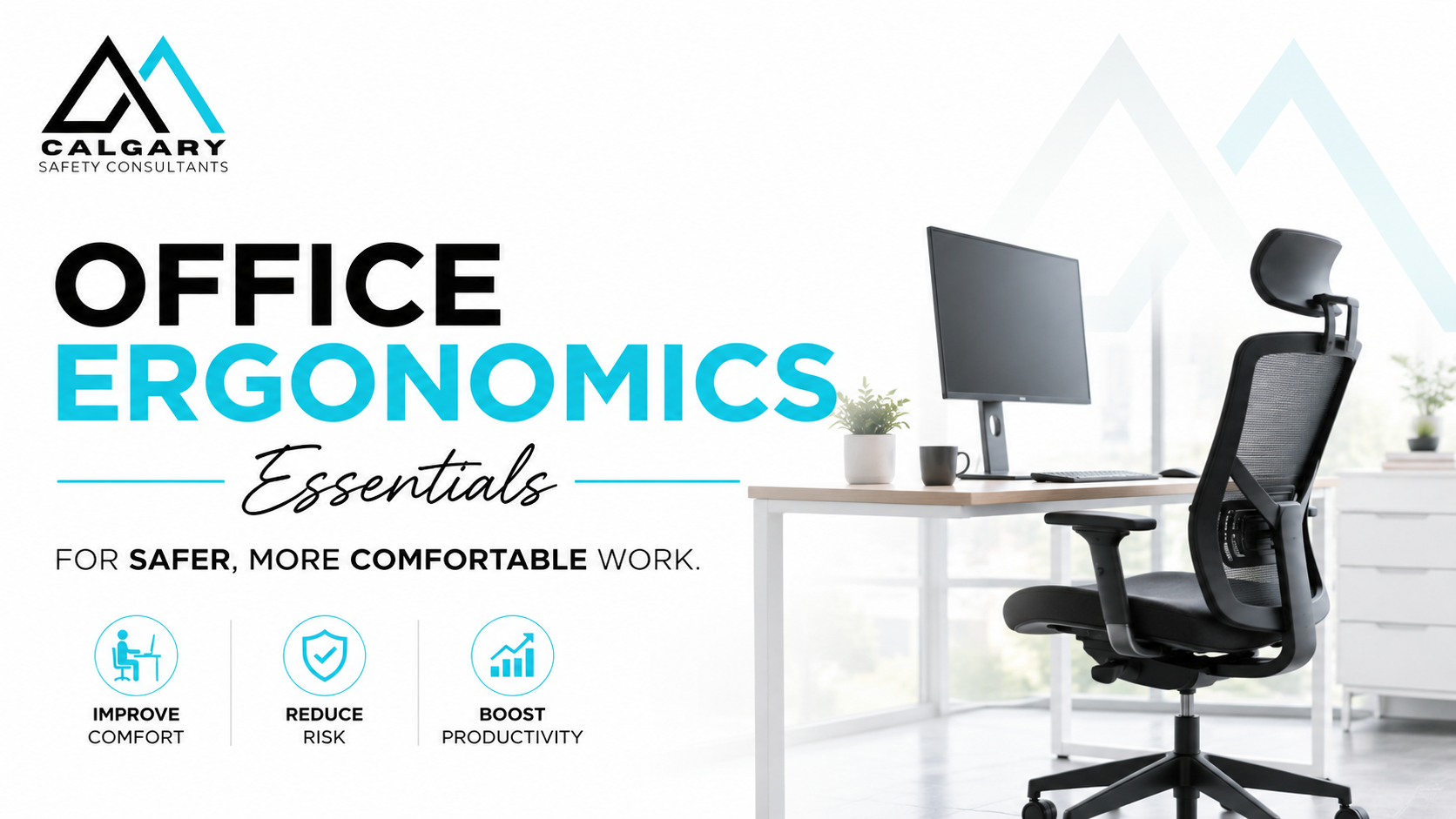
Office ergonomics training helps workers understand how workstation setup, posture, equipment placement, lighting, work habits, and movement patterns affect comfort, focus, productivity, and injury prevention. Poor workstation setup can contribute to neck strain, shoulder tension, back discomfort, wrist fatigue, eye strain, headaches, and reduced performance, especially when small issues are repeated throughout the workday.
Calgary Safety Consultants provides practical online office ergonomics training for office workers, remote employees, hybrid teams, supervisors, and employers who want to reduce office-related strain and support safer computer work practices. This course helps learners assess their own workstation, understand common ergonomic risk factors, and apply simple adjustments that can improve comfort during daily work.
For employers that need more support, Calgary Safety Consultants can also provide in-person office ergonomics training, virtual instructor-led training, and customized workplace-specific ergonomics training for teams that need help applying ergonomic principles to their own office layout, equipment, shared workstations, hybrid work arrangements, or internal health and safety program.
Calgary Safety Consultants provides office ergonomics training for employers, workers, supervisors, and teams across Alberta, British Columbia, and Saskatchewan.
Calgary Safety Consultants provides office ergonomics training designed to support individual learners, office teams, remote workers, hybrid employees, supervisors, and employers managing workplace health and safety responsibilities.
Available training options include:
Online training is the best starting point for most employers because it is flexible, consistent, easy to assign, and simple to document. It supports onboarding, refresher training, remote worker orientation, hybrid work programs, office safety awareness, and workplace wellness initiatives.
Online office ergonomics training allows workers to complete the course at their own pace while learning practical workstation setup and prevention strategies. This option reduces scheduling disruption, supports consistent training delivery, and gives employers documentation for training records, onboarding, safety program records, audits, inspections, and internal compliance reviews.
The course covers workstation setup, neutral posture, chair adjustment, monitor positioning, keyboard and mouse placement, laptop ergonomics, lighting, glare, noise, shared spaces, micro-breaks, movement habits, and early discomfort reporting.
Virtual office ergonomics training is available for teams that want live instruction, group discussion, and the opportunity to ask workplace-specific questions. This option is useful for remote teams, hybrid workplaces, supervisors, health and safety representatives, or organizations that want guided discussion on common ergonomic concerns.
Virtual training can also be adapted to address your company’s workstation arrangements, remote work expectations, reporting process, discomfort concerns, and internal health and safety program.
In-person office ergonomics training is available for workplaces that prefer classroom-style learning or need practical support applying ergonomic principles in their own office environment. This option is useful when workers share workstations, use laptops for long periods, work in call centres, perform data entry, or experience recurring discomfort concerns.
In-person training can include discussion of workstation setup, common office ergonomics problems, worker self-checks, supervisor responsibilities, early reporting, and practical prevention routines.
Calgary Safety Consultants can customize office ergonomics training for your workplace. Customized training can reflect your office layout, equipment, remote work arrangements, shared workstations, hot-desking practices, reporting procedures, supervisor expectations, and internal health and safety documentation.
This is a strong option for employers that want training aligned with their actual workplace conditions rather than generic office examples. Customization can help workers understand how the training applies to their own job tasks, equipment, and daily routines.
Office ergonomics training is useful for workers who spend regular time at a desk, computer, laptop, workstation, reception area, shared workspace, or home office setup. It is especially relevant when workers sit for long periods, use screens throughout the day, complete repetitive keyboard or mouse work, use laptops without accessories, or report discomfort related to office work.
This training is especially useful for:
Office Ergonomics Essentials has one module and three lessons focused on practical workstation setup, office environment controls, and prevention routines.
Learners review neutral posture, chair support, monitor positioning, keyboard and mouse setup, laptop ergonomics, reach zones, and micro-adjustments throughout the day. This lesson helps workers understand how workstation setup can affect the neck, shoulders, back, wrists, hands, and eyes.
Learners explore how lighting, glare, noise, interruptions, temperature, shared workstations, hot-desking, and meeting rooms can affect posture, comfort, focus, and performance. This lesson helps workers recognize environmental conditions that may contribute to fatigue, discomfort, and reduced concentration.
Learners review movement, micro-breaks, task variation, early discomfort recognition, reporting concerns, setup drift, safe handling of boxes and supplies, supervisor support, and weekly self-check routines. This lesson focuses on building practical habits that help prevent small ergonomic issues from becoming larger problems.
Calgary Safety Consultants is here to help you ensure compliance, enhance safety, and streamline your OH&S program. Don’t wait—fill out the form, and we’ll connect with you to discuss how we can support your business. Let’s get started!
Office ergonomics training teaches workers how to set up and use their workstation safely to reduce strain, discomfort, fatigue, and injury risk. The course covers posture, workstation setup, laptop ergonomics, lighting, shared spaces, movement habits, and practical ergonomic adjustments.
This course is designed for office workers, remote employees, hybrid workers, supervisors, managers, health and safety representatives, HR teams, and employers. It is suitable for anyone who regularly uses a computer, laptop, desk, or shared workstation.
Yes. The course includes guidance for remote work, hybrid work, shared workspaces, and hot-desking environments. It explains how workers can maintain safer workstation setups outside a traditional office.
Yes. Calgary Safety Consultants can provide in-person office ergonomics training for workplaces that prefer classroom learning, group discussion, or practical workplace-specific support.
Yes. The training can be customized to reflect your workplace layout, equipment, remote work practices, reporting process, supervisor expectations, and internal health and safety program.
The training covers workstation setup, neutral posture, chair adjustment, monitor positioning, keyboard and mouse placement, laptop ergonomics, lighting, glare, noise, shared workspaces, micro-breaks, movement habits, early discomfort reporting, and prevention routines.
Most learners can complete the online training in approximately 1 to 1.5 hours, depending on learning pace and how much time they spend reviewing the self-checks and reference materials.
Yes. Learners complete workstation self-checks, reflection activities, and practical adjustment exercises that help them apply ergonomic principles directly to their own office, home, or shared workspace.
Yes. Participants receive a certificate of completion after successfully completing the online office ergonomics training course.

Calgary Safety Consultants provides practical occupational health and safety consulting, safety training, COR support, safety program development, and regulatory compliance support for employers across Alberta, British Columbia, and Saskatchewan.
We help organizations strengthen worker training, improve documentation, manage workplace hazards, prepare for audits, and build safety systems that support compliance, productivity, and operational due diligence.